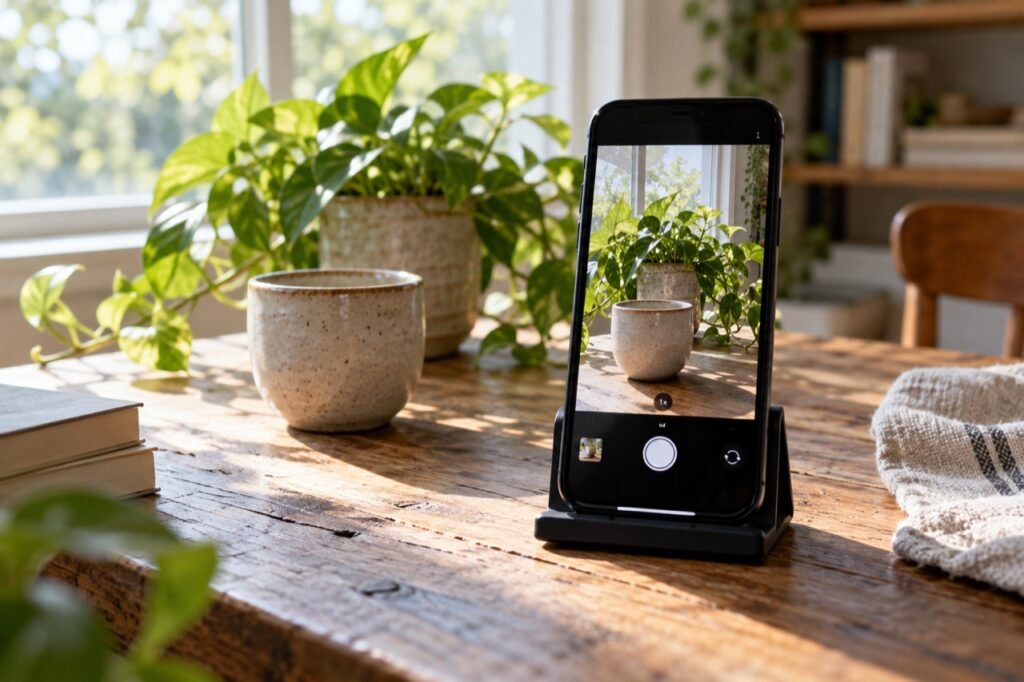
Choose one main subject
Decide what someone should notice first: a cup, a plant or a detail in a street. Check whether the background competes with that subject. Sometimes one step to the side removes a distracting object.
A simple photograph does not need an empty background. It needs a clear relationship between the main subject and its surroundings.
Try light from a window
To photograph an object at home, place it near a window and observe how the light falls on it. Start with light coming from the side. Then rotate the object and compare the shadows.
If direct light creates very hard shadows, try another time of day or move the object away from the brightest patch. Never look directly at the sun to assess a scene.
Clean the lens and steady the phone
A fingerprint can make a photo look hazy. Clean the lens with a suitable soft cloth and hold the phone with both hands. Resting your elbows can help reduce movement.
Keep your fingers clear of the lens. If using a support, make sure the phone is stable before letting go.
Change position before using zoom
Take one photo at eye level and another from lower down or above. If it is safe and allowed, move closer to the subject and compare the result with the distant view. Notice how the background changes.
Zoom behaviour varies with the phone and the lens selected. Compare the results instead of assuming that enlarging the image on screen always preserves detail.
Check focus, brightness and edges
If the camera app allows it, tap your main subject to adjust focus and observe the exposure. A small brightness adjustment can help with a scene that looks too light or dark. You do not need to push the control to its limit.
Before shooting, check the edges: is something unintentionally cut off? Does a line look tilted? A second attempt with better framing is often more useful than dozens of almost identical images.
Practise with three photographs
Choose an object and make three versions: one with front light, one with side light and a third with a different background. Compare them at a larger size and note which best communicates your idea.
When editing, begin with cropping, straightening and gentle light adjustments. Respect consent and privacy when photographing people or sharing images of private spaces. The exercise is about developing your eye without buying accessories.
A complete exercise with one cup
Choose a steady surface near a window and place a cup with some distance from the background. Take an unfiltered photograph first. Keep the same object for later attempts so you can compare changes without confusing light, composition and subject.
- Take a picture with the window behind you and observe the front of the object.
- Move so the light comes from the side and compare the shadows.
- Remove one background object and check whether the cup becomes easier to notice.
- Change the phone’s height while keeping it steady.
- Choose one image and explain in a sentence why it works better.
The comparison is more useful when you change one thing at a time. Do not judge only from thumbnails: open the pictures and inspect important details, such as the object’s edge and the area meant to be sharp.
What to try when the result disappoints
Camera shake: steady the phone and try a brighter scene. Distracting background: change position or remove one element. A dark subject against a window: try receiving light from the side rather than putting all the brightness behind the object.
If your camera lets you select a focus point and adjust exposure, make a gentle adjustment and compare. Control locations differ across phones; consult the manufacturer’s instructions for your model.
Edit a copy and keep the original
Start with straightening, cropping and modest light adjustments. Check that the crop has not removed the part that explains the scene. Strong sharpening or saturation can produce something different from your intention; compare against the initial version.
Before publishing another person’s image, obtain appropriate permission and avoid exposing documents, addresses or screens containing personal information in the background. Also consider whether to share location information attached to the file. Organize your original photos before creating multiple edited versions.
Phone photography questions
Must I use the rule of thirds every time?
No. A grid can help you experiment with placement, but a centred subject can work too. Judge whether the composition makes your intended subject clear.
Can a filter fix missed focus?
Do not rely on it. When possible, try again with better focus and stability; editing does not automatically recover details that were never recorded.
Store the results with the digital file organization guide and compare three pictures from this exercise next time you practise.